
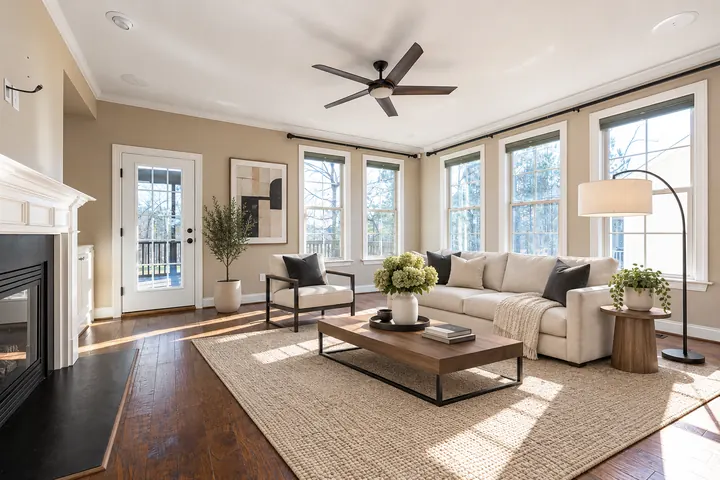
Modern
Clean lines, a neutral palette and black and wood accents. A safe choice for most listings.
Upload a photo of an empty room, choose a room type and style, and get a furnished, listing-ready image in about 1–3 minutes — for roughly $0.20–$0.25 per photo instead of the $20–$50 a traditional virtual staging service usually charges.
Aspect ratio
Resolution
Number of images
Thinking
Web search
Each photo uses about 21 credits (≈ $0.20–$0.25 depending on your plan). Credits come with a subscription from $5.99 / month. Failed generations are refunded automatically.
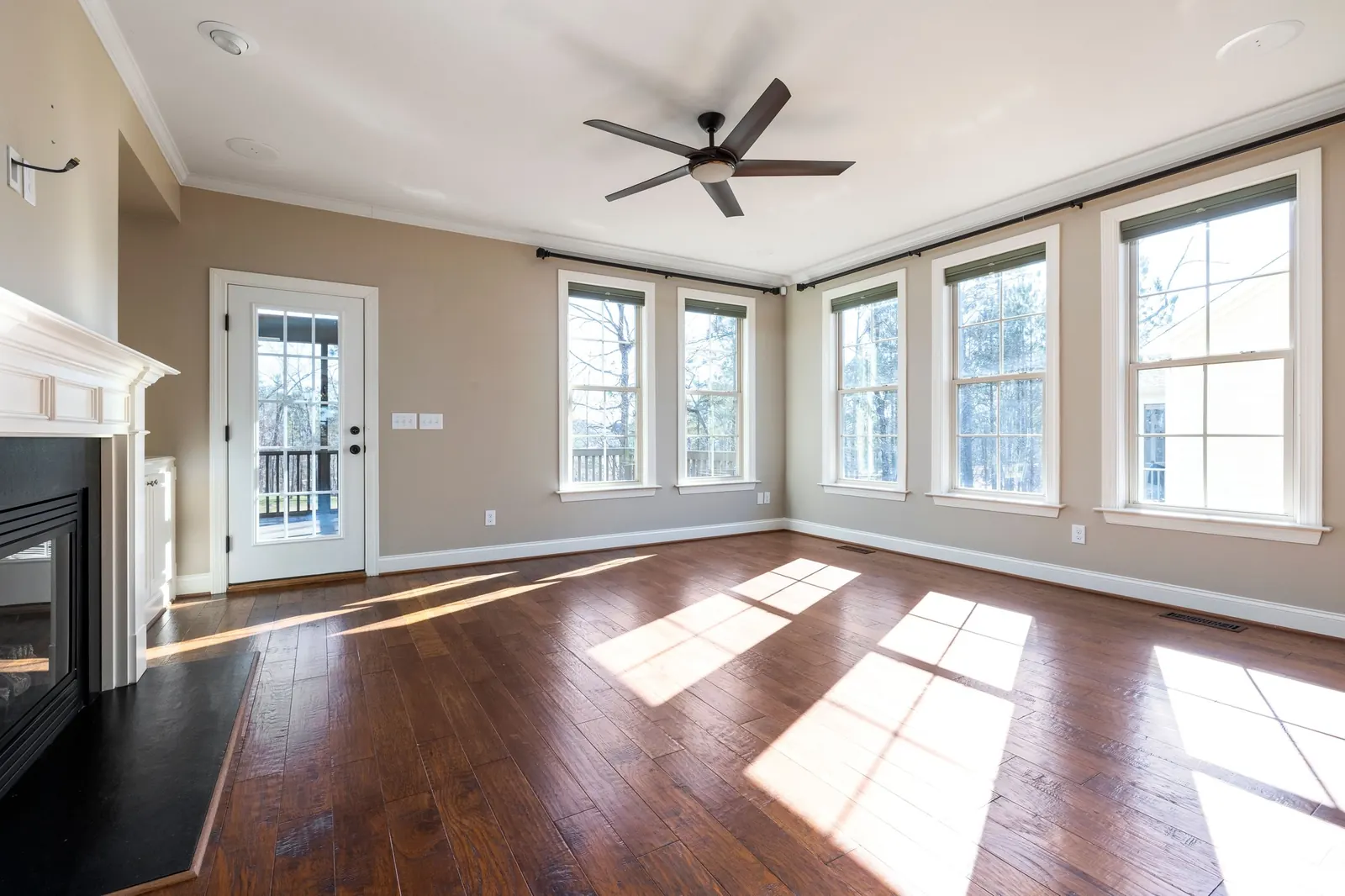
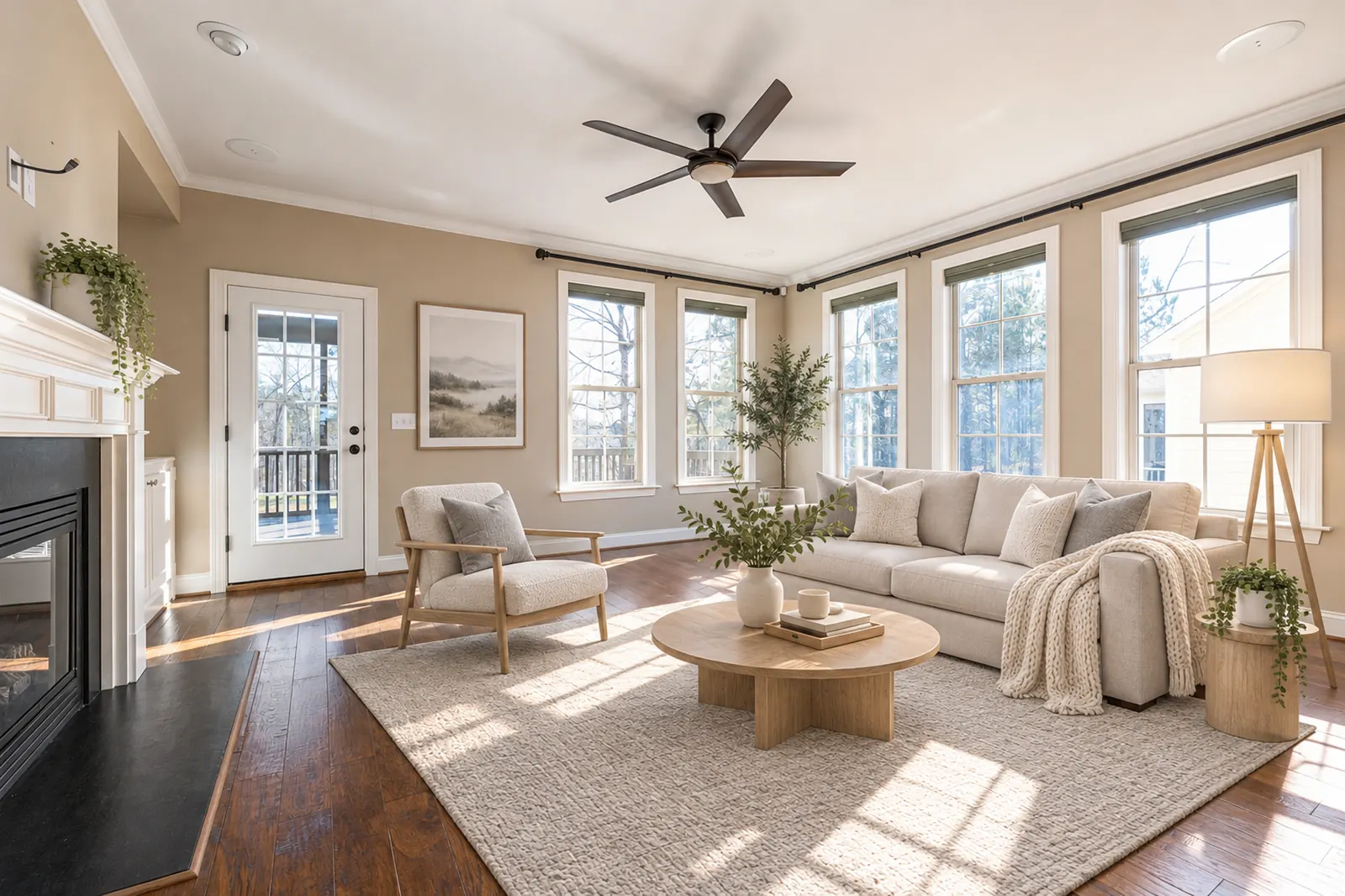
Every example below was made with this tool from a real empty-room photo, with no retouching. Drag the slider to compare.
 BeforeAfter
Living room · Scandinavian style · made with GPT Image 2.6 · Original photos: Pexels and Unsplash.
Pick the look that fits the property and the buyers you want to reach. You can generate the same room in several styles and keep the one you like.
Clean lines, a neutral palette and black and wood accents. A safe choice for most listings.
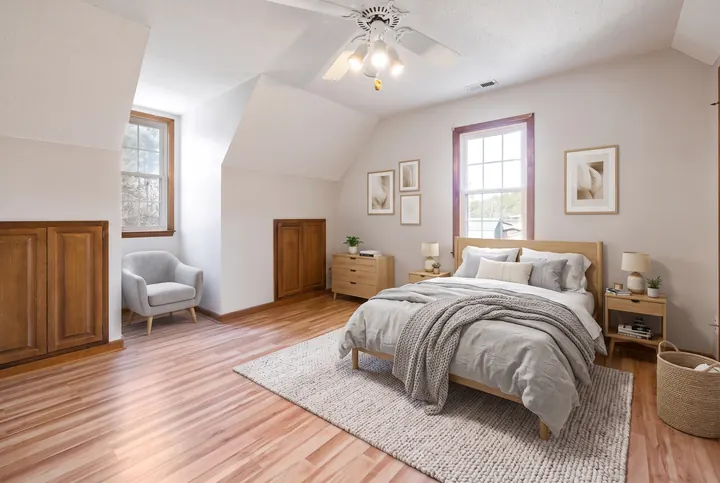
Light oak, soft whites and greys, cozy throws. Makes small rooms feel bright and open.
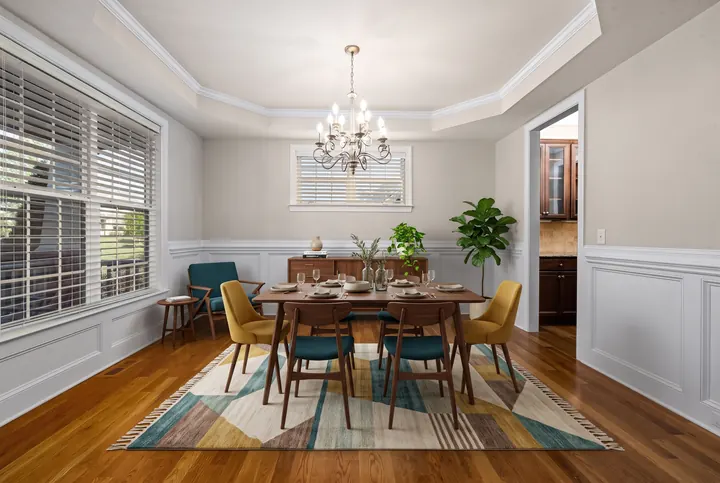
Walnut furniture with tapered legs and mustard or teal accents. Great for character homes.
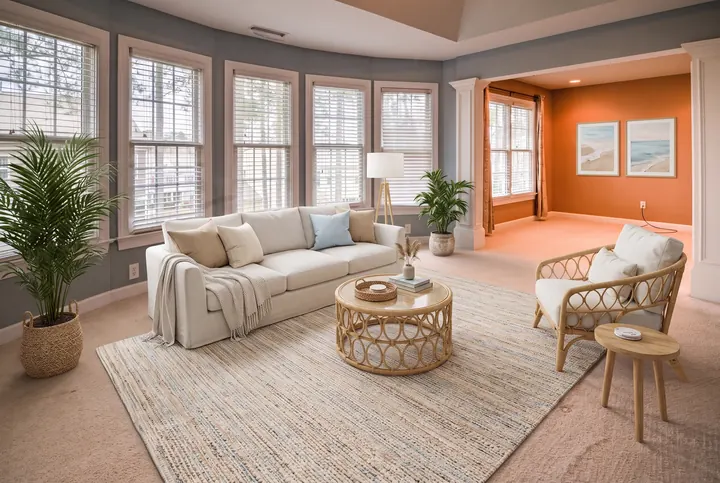
Sand and white tones with light blue, rattan and linen. Airy and relaxed.
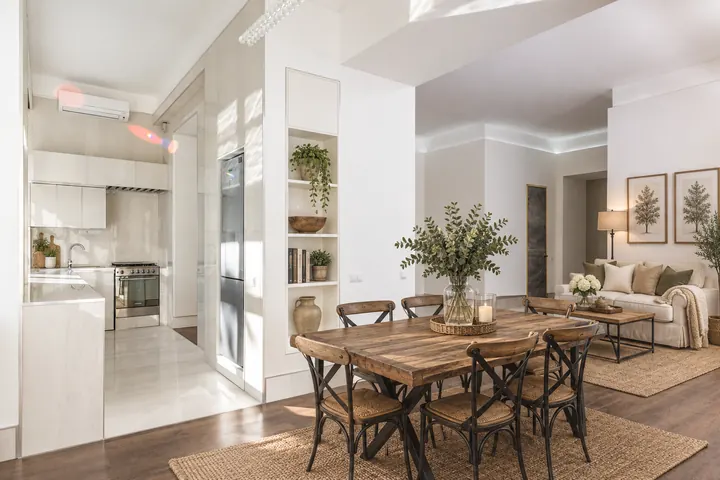
Warm reclaimed wood, cream upholstery and black metal details. Rustic but tidy.
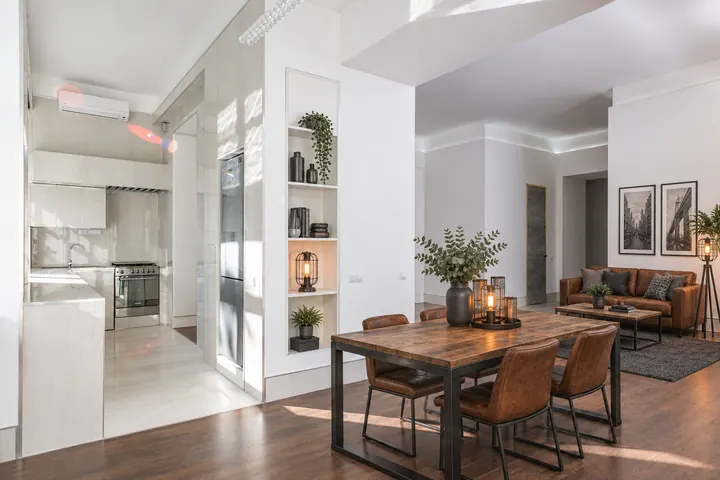
Leather, dark metal and raw wood. Suits lofts and open-plan apartments.
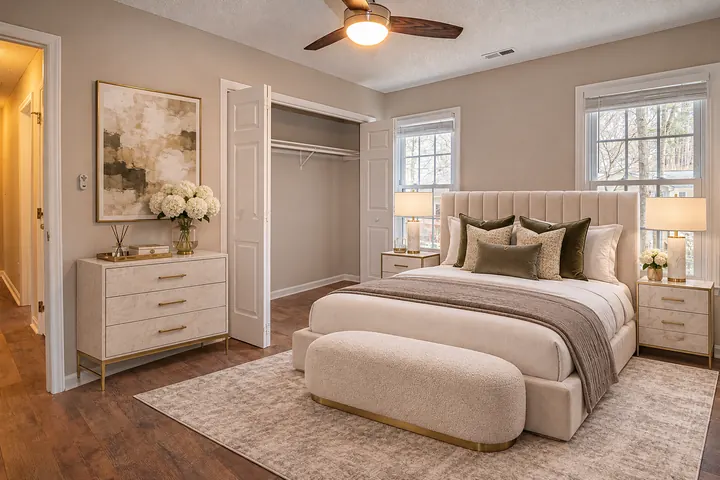
Velvet, bouclé, marble and brass. For high-end listings that need a premium feel.
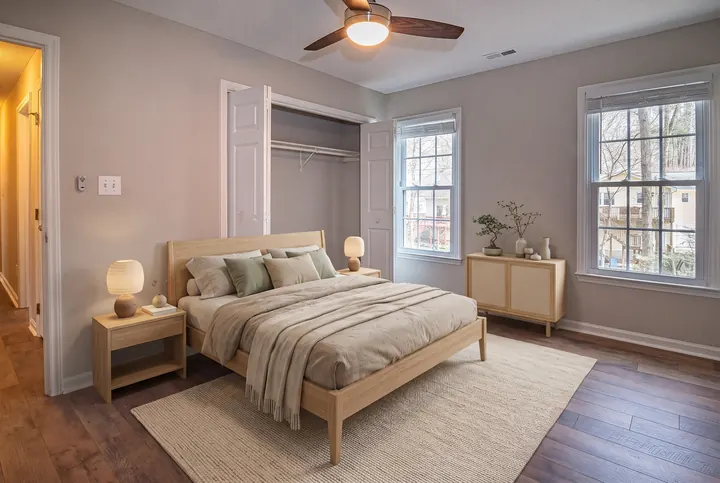
Low light-wood furniture, earthy tones and very little decor. Calm and minimal.
Use a straight, well-lit photo from your listing shoot (JPG, PNG or WebP). Wide shots with the floor visible work best.
Tell the AI what the room is for and pick one of 8 styles. If the room already has a few pieces, tick “keep it” so they stay where they are.
Your staged photo is ready in about 1–3 minutes. Compare it with the original, try another style or the other model if you want, then download it.
AI virtual staging software is a fraction of the price of a traditional service, and you get the result while you are still at your desk.
| This tool | Traditional virtual staging service | Physical home staging | |
|---|---|---|---|
| Price | ≈ $0.20–$0.25 per photo | Typically $20–$50 per photo | Furniture rental and labor, priced per home |
| Turnaround | About 1–3 minutes | Usually 24–48 hours | Days to schedule and set up |
| Try another style | Generate again (about 21 credits) | Often limited or extra | Not practical |
| Who does the work | AI, in your browser | A designer | A stager and movers |
Prices of traditional services vary; the ranges above are typical published prices. Our price depends on your plan: Plus is $5.99 for 500 credits a month (about 23 staged photos), Pro is $19.99 for 2,200 credits (about 100 photos).
See plansA sofa, coffee table, armchair, rug and lamp, laid out so the windows and walkways stay visible.
A made bed, nightstands with lamps, a rug and a dresser — scaled to the real size of the room, including small bedrooms.
A table with chairs, a sideboard and a centerpiece. Existing chandeliers and wainscoting stay untouched.
Kitchen cabinets and counters are left as they are; the AI furnishes the open dining or living area next to them.
A desk, chair, bookshelf and lamp — useful for showing buyers a spare room as a workspace.
The bed goes where the ceiling is high enough, with low storage under the slope.
Outdoor chairs, a small table, plants and a rug. The facade, railings and sky are kept exactly as in your photo.
There is nothing to install and no designer to brief. The page sends your photo to the AI with instructions that we tested on real listing photos: keep the walls, windows, doors, floors and camera angle exactly as they are, add only movable furniture, and match the daylight in the room. You still see every result before you use it, and you can switch between two AI models if one handles a room better than the other.
If the room is not empty, use AI Inpainting to brush away furniture, boxes and clutter, then come back here to stage the clean photo.
With AI Room Design you see your own room with new furniture, a new wall color and new floors.
Upload the photo on this page, choose the room type and a style, and click Generate. The AI adds furniture that fits the room while keeping the walls, windows and floor as they are. The result is ready in about 1–3 minutes.
Not on this site: there are no free credits. Each staged photo uses about 21 credits, and the smallest plan is Plus at $5.99 a month for 500 credits, which is about 23 photos. If a generation fails, its credits are refunded automatically.
Yes. You can stage empty rooms here and remove unwanted objects with AI Inpainting. Keep edits honest: add only movable furniture, don't change the structure or hide defects, and label the photo as virtually staged where your MLS or local law requires it.
About $0.20–$0.25 per photo here, depending on your plan. Traditional virtual staging services typically charge $20–$50 per photo, and physical staging means renting furniture for the whole home.
Usually about 1–3 minutes. You can leave the page; finished images appear in your Create workspace.
Modern, Scandinavian, Mid-Century Modern, Coastal, Farmhouse, Industrial, Luxury and Japandi.
It is instructed not to, and in our tests it kept the room's structure in almost every image. AI can still occasionally alter a detail, so compare every result with the original. If something changed, generate again or switch to the other model.
In many places, yes. Many MLSs and some laws, such as California's AB 723, require you to disclose digitally altered listing photos and give buyers access to the original. Label staged photos, for example “Virtually Staged”, and keep the original.
Yes. Use AI Inpainting to brush over furniture or clutter and remove it, then stage the empty room here.
Yes. Images you create while on a paid plan (Plus or Pro) are yours to use commercially, including in listings, ads and brochures, without attribution. You can cancel your subscription anytime.
Plus $5.99 · Pro $19.99 a month.