Please select a model to get started
Please select a model to get started
Three simple steps to modify any photo with AI commands
Upload your original photo to our secure AI Image Editor with Prompt.
Select the area and describe your desired changes (e.g., "change background to beach").
Get your AI-edited image in seconds and download it.
See how text descriptions can transform your photos instantly
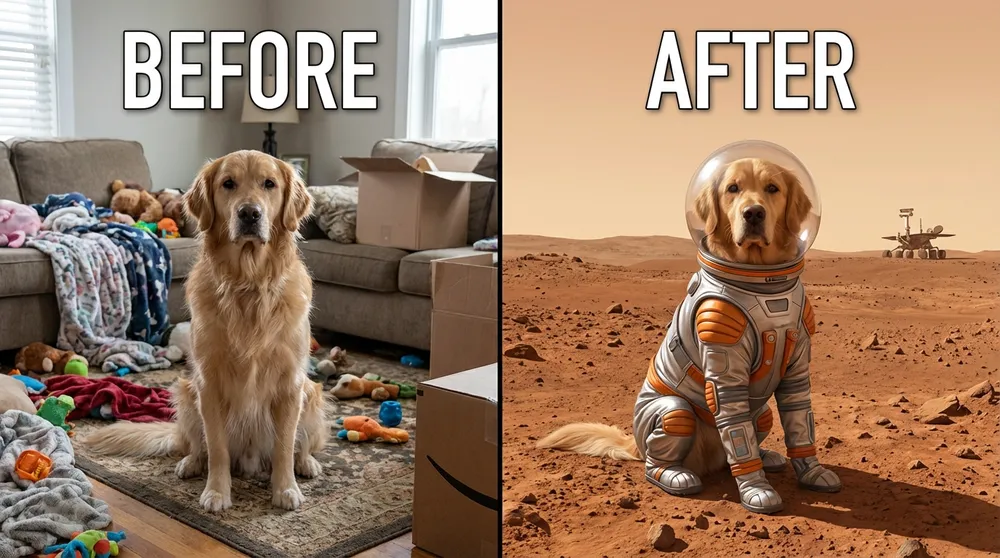
Upload a photo of your pet in the living room. Type: "put this dog on Mars wearing a spacesuit..." Result: A hyper-realistic cinematic photograph capturing the exact essence of your pet in a completely new environment.
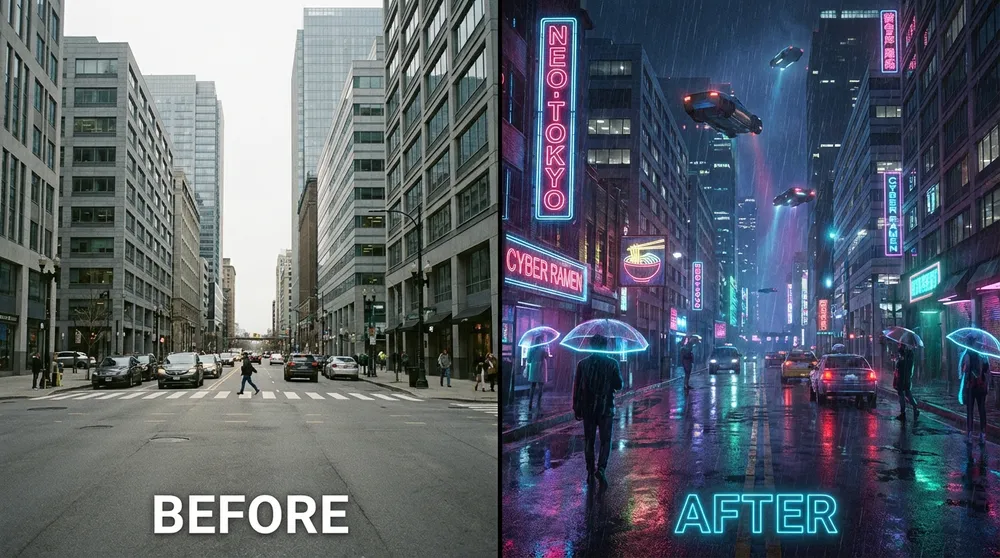
Upload a standard photo of a city street. Type: "transform into a futuristic neon cyberpunk aesthetic..." Result: Your photo is instantly stylized into a breathtaking cyberpunk masterpiece with heavy rain and glowing neon signs.
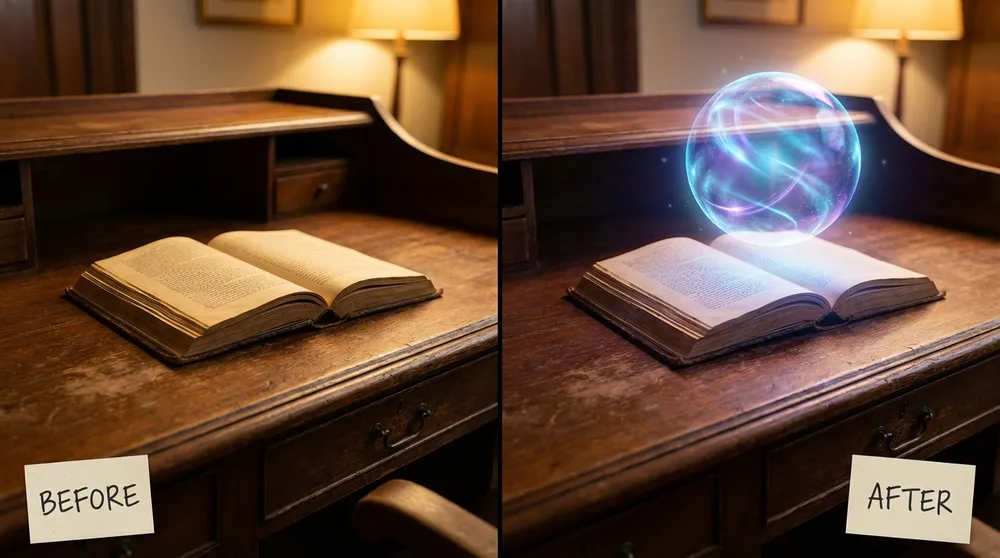
Upload a photo of an empty wooden desk. Type: "add a glowing magical holographic crystal ball floating..." Result: The object is realistically inserted into your photo with perfect lighting, shadows, and reflections.
Everything you need to know about editing images with prompts
There's no strict format! Simply describe what you want in plain English. For example, instead of complex Photoshop terms, just type 'make the sky sunset colors' or 'add a coffee cup on the table'.
Yes. Our AI Image Editor with Prompt supports local inpainting. You can use a brush to mask or highlight a specific area of your photo, and your text prompt will only apply to that selected region.
Yes, you can start using the AI Image Editor with Prompt for free. We provide complimentary credits so you can experience generative editing right away. For advanced features or higher volumes, we offer pro plans.
No. Our AI models are optimized to maintain the original resolution and quality of the unedited parts of your photo while seamlessly blending the new prompt-based modifications.
Traditional tools require complex manual selections and technical skills like using pen tools or lassos. An AI image editor with prompt allows you to simply describe what you want in natural language, and the AI handles the complex modifications for you.
Absolutely! Using our AI Image Editor with Prompt, you can easily instruct the AI to make specific changes. Just highlight an area on your photo and type a description like 'change this to a modern sofa'—the AI understands your text and applies the edits realistically.
No downloads are required. Our AI Image Editor with Prompt is completely browser-based. You can access all generative editing features directly online without installing any heavy photo editing applications.