💻 Runs Locally in Your Browser
Your images never leave your device — all AI processing happens on-device using ONNX models.
💡 Paint over the area you want to remove — the AI will fill it in.
Result will appear here
Experience the perfect blend of powerful AI inpainting technology, absolute privacy, and zero cost.
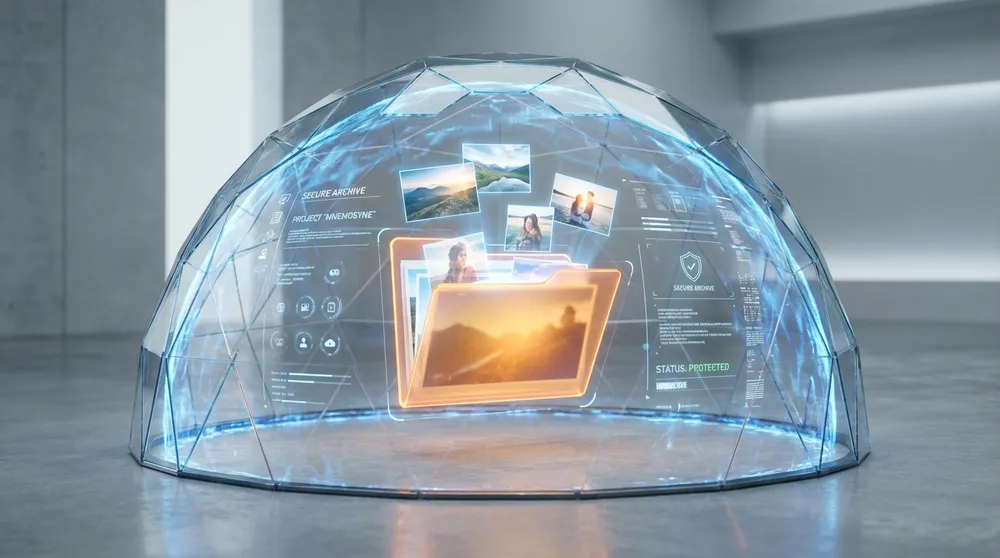
Your photos never touch a server. All the "magic" happens locally on your device.
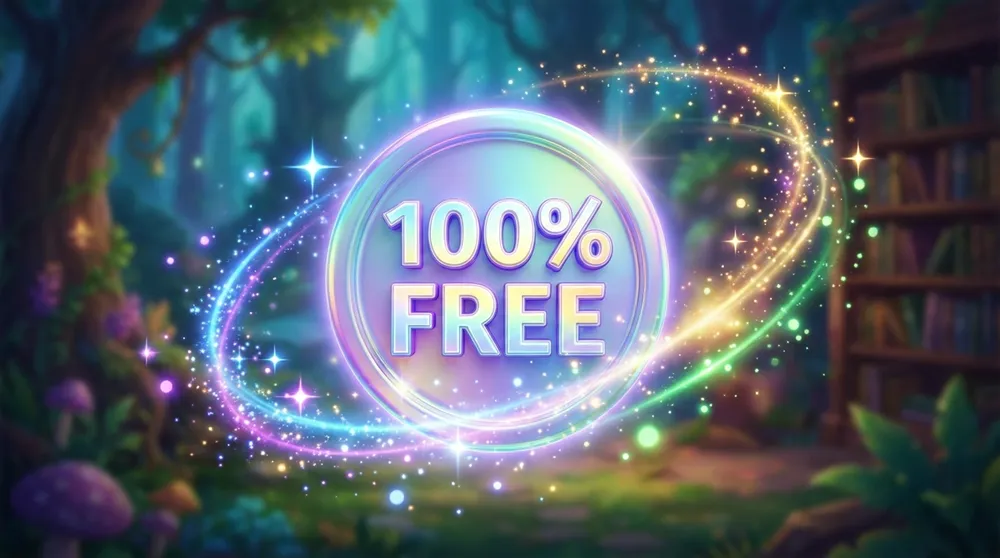
No credits, no hidden fees, no watermark. Use it as many times as you want.
Our lightweight local AI seamlessly rebuilds the background missing behind small erased objects.
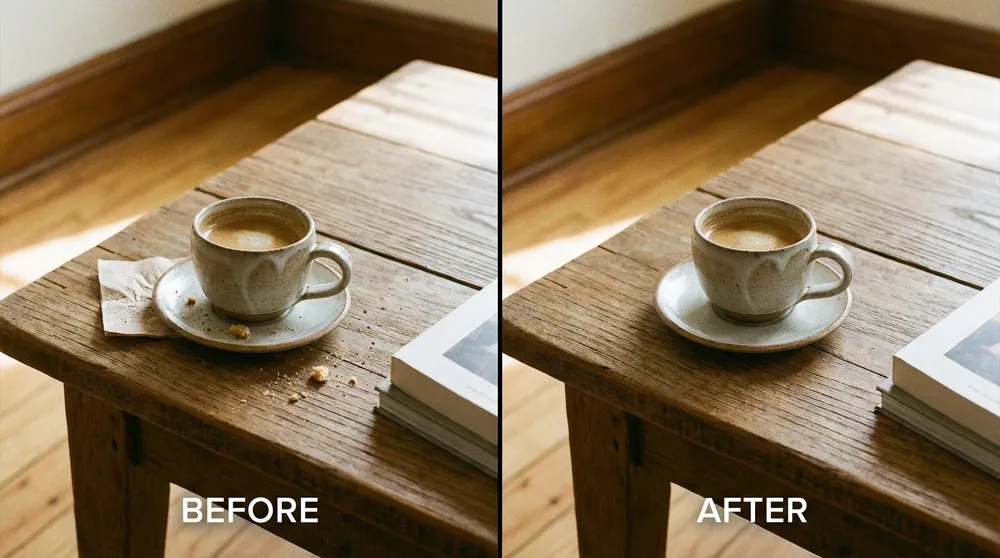
Perfect for minor cleanups and small distractions, running entirely in your browser.
A distant bird, a tiny trash can, or a small distant figure? Erase minor distractions with one brush stroke.
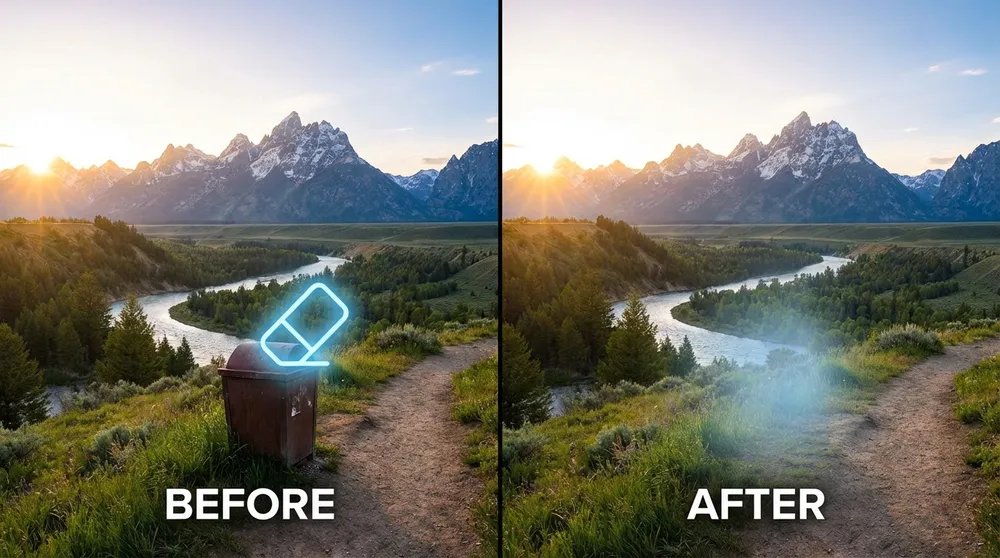
Easily remove small, subtle date stamps or tiny text logos from your images.
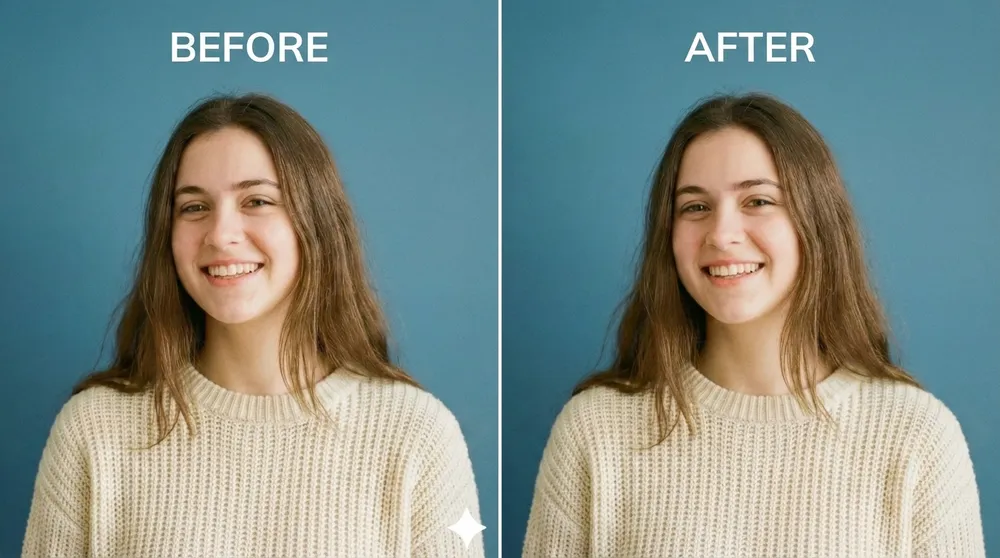
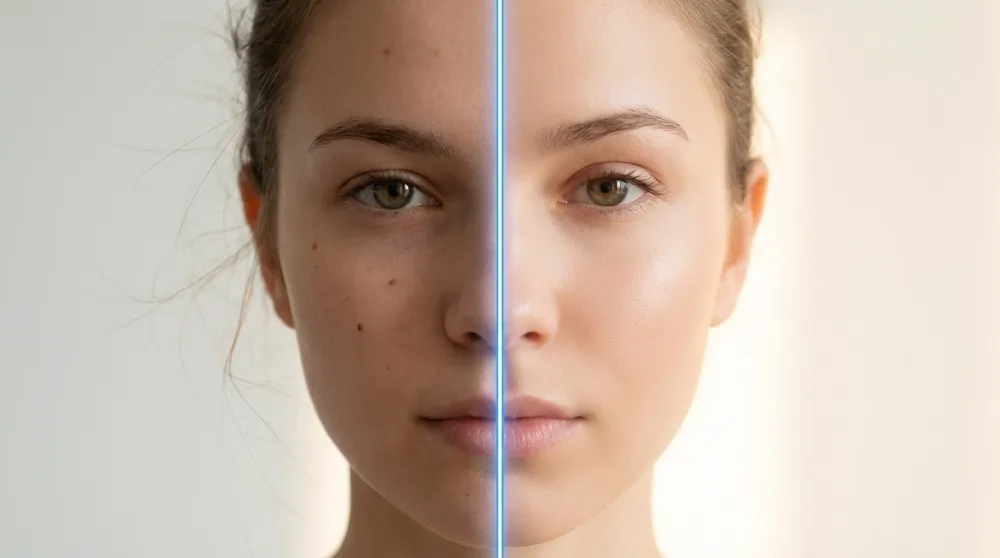
Quickly remove minor blemishes, stray hairs, or tiny skin imperfections for a flawless profile picture.
Three simple steps to picture-perfect results.
Drag & drop any photo or click to upload from your local device.
Highlight the unwanted object or person you want gone using the brush tool.
Watch the object disappear in seconds with our AI inpainting technology and save your clean image instantly.
Everything you need to know about our Free AI Inpainting Magic Eraser.
AI Inpainting is a technology that intelligently fills in or reconstructs missing or removed parts of an image. In our free AI inpainting online tool, it acts as a "magic eraser," seamlessly analyzing surrounding pixels to naturally replace any objects, people, or blemishes you brush over.
Yes! Because the AI model runs on your computer's browser, we don't pay expensive server costs. That's why we can offer this tool completely free, forever—no hidden fees, no usage limits.
Absolutely not. Your photos never leave your device. Even if you disconnect your internet (after the initial model loads), the tool still works! You are the only one who ever sees your images.
We highly recommend using a PC or Mac. Our AI runs directly on your device's hardware, and mobile browsers usually lack the memory (RAM) and processing power needed for a smooth experience.
The first time you use the tool, it will automatically download the AI model (~50MB) to your browser cache. This requires a stable international internet connection. Subsequent uses will be instant—no downloading required.
The AI inpainting tool works best on smaller, localized objects: minor blemishes on a portrait, a small date stamp, a tiny overlapping object in the background, or stray hairs. For very large or complex subjects that cover most of the image, results may be less perfect, as the AI needs a sufficient amount of surrounding context to reconstruct the background.
You can upload PNG, JPG, and JPEG images. For best results, we recommend using images with a resolution no larger than 2000x2000 pixels, as very high-resolution images will be scaled down before processing.
Yes! All images you process with our free AI inpainting online tool are yours. We apply no watermarks and claim no rights over the output. Feel free to use your edited photos for personal, social media, or commercial projects.
The biggest difference is privacy and cost. Photoshop requires a paid subscription and may sync your work to Adobe's cloud. Our tool is 100% free, runs entirely in your browser with zero uploads, and requires no account. It's perfect for quick, everyday cleanups without any professional software.